Prism Syntax Highlighter
- Categories: Contents, Styling, Tools
- Author: ranelpadon
- License: LGPL
Prism Syntax Highlighter is a plugin for inserting formatted texts or code snippets in your blog/website. It is an integration of PrismJS with CKEditor. PrismJS is the chosen syntax highlighter/colorizer because it is elegant, lightweight, and extendable. Actually, I use this plugin in my blog articles too.
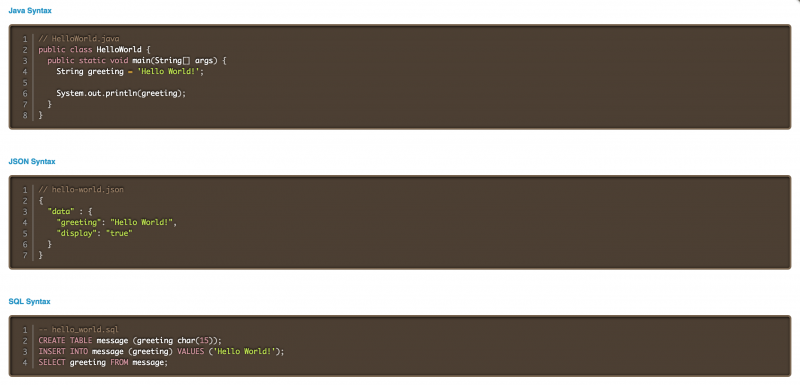
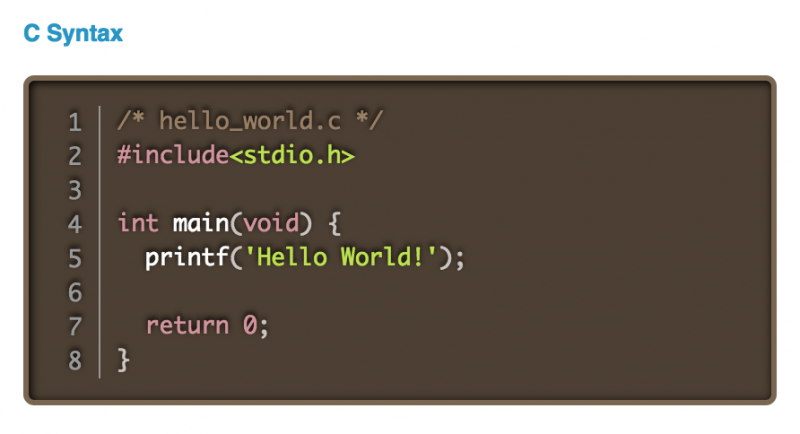
MAIN FEATURES- Rendered with a beautiful, dark theme by default (I'm currently working on integrating other PrismJS themes).
- Displayed with line numbers on the left side of the codes.
- Syntax highlighting of over 50 programming languages (note that SVG and XML are under the HTML category, and JSON is under JavaScript). I also used Tiobe index to have an idea on what languages are important or popular.
This plugin utilizes/extends the following libraries:
- CKEditor Code Snippet Plugin
- CKEditor Code Snippet API
- Prism Syntax Highlighter with Dark Theme
- Prism Line Numbers Add-on
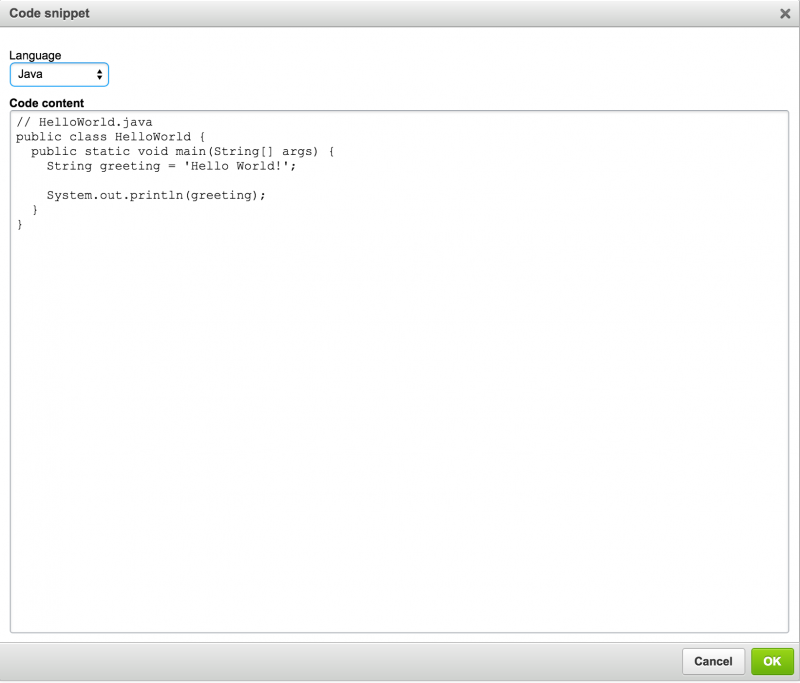
Essentially, it's the Code Snippet plugin with PrismJS under the hood. Hence, Prism Syntax Highlighter depends on the Code Snippet and make use of its toolbar button as well. Extending the Code Snippet plugin rather than creating an independent one means better code reuse, less bugs, and less effort. Consequently, this plugin has also localization/multilingual support because Code Snippet already does.
By default, Prism has no line numbering mechanism, so the Line Number add-on has been added. Likewise, in order for the line numbers to work smoothly in CKEditor and when rendering the code blocks in the actual page, I did some minor patching in default prism.js and prism.css files.
If you want other programming languages, add-ons, or themes, you may want to check-out first the PrismJS download page for other possibilities and you could send me your suggestion. PrismJS is very stable and well-tested, and it is just one of the excellent projects of Lea Verou, who is a prolific web developer.
Finally, if you want to lessen the list of available languages when setting the code block (since the list might be too long to your liking), you could utilize the config.codeSnippet_languages CKEditor property.
LIVE DEMO PAGEDemo page could be found here. It showcases numerous code blocks in various programming languages.
INSTALLATIONKindly refer to Installation Guide.
HOW TO USEKindly refer to How to Create and Edit Prism Snippets.
Screenshots

Releases
| Plugin versions | CKEditor versions | |||
|---|---|---|---|---|
| 4.25 | 4.24 | 4.23 | ||
|
Version: 1.0.1 |
||||
|
Update the bundled docs. |
||||
Image Editor
- Categories: Contents, Data, Tools
- Author: doksoft
- License: Commercial
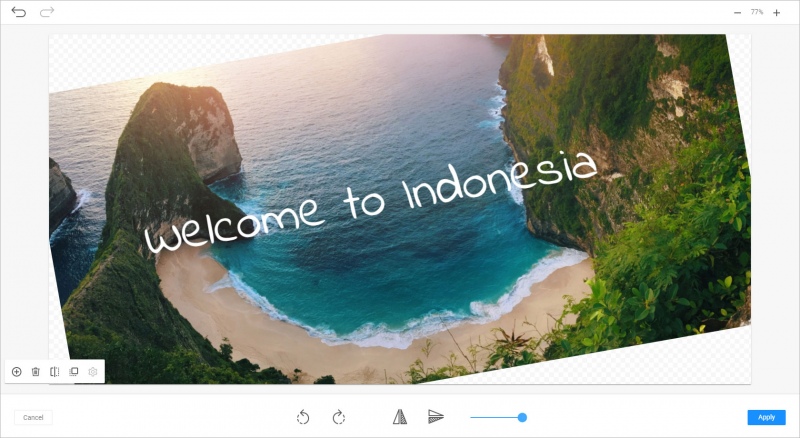
Simple yet very effective image editor brings in all major image editing capabilities to CKEditor. You can resize and crop images to any standard or custom resolution, adjust their brightness and contrast, draw shapes, flip or rotate, and write text on the canvas of an image.
Edited images are automatically uploaded to the server into a separate folder for easy use, and if File Manager is installed, no additional configuration of the server is required for that.
Image Editor also features a number of artistic effects including pixelization, sepia, emoticons, stickers, and freehand drawing. Importantly, the cost of a misdraw is zero thanks to unlimited Undo/Redo.
This plugin works with backends on PHP (Composer and stand-alone packages), Java (Spring Boot framework) or Node (JavaScript and TypeScript NPM package for Express server).
Screenshots


TinyFinder - Web File Manager
- Categories: Contents, Data, Tools
- Author: nestisamet
- License: Commercial
What is TinyFinder?
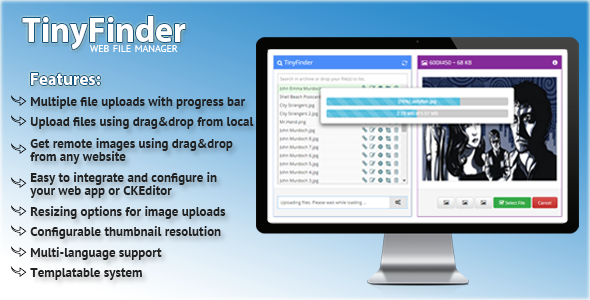
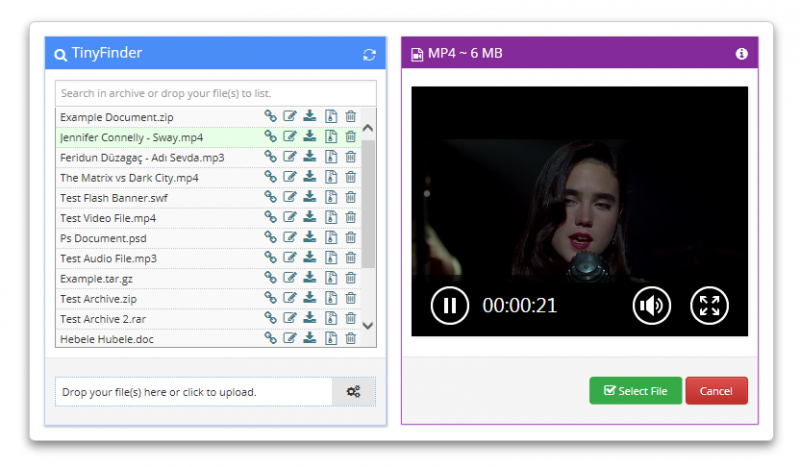
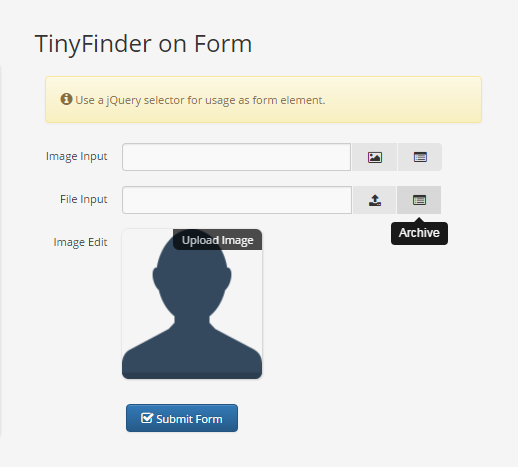
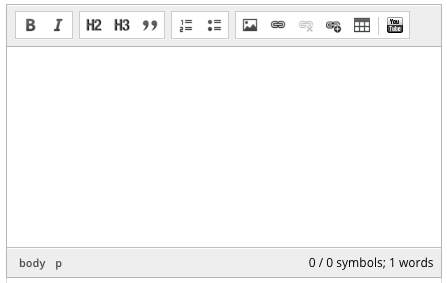
Multimedia document upload-search tool, and integrated with WYSIWYG editor. You can manage easily all of files, and use for any form element.
Visit project homepage:
http://tinyfinder.stemizer.net
Features:
- 100% MVC architectural pattern, Ajax requests, Json responses
- Multiple file uploads with progress bar
- Upload files using drag and drop from local device
- Get remote images using drag and drop from any website
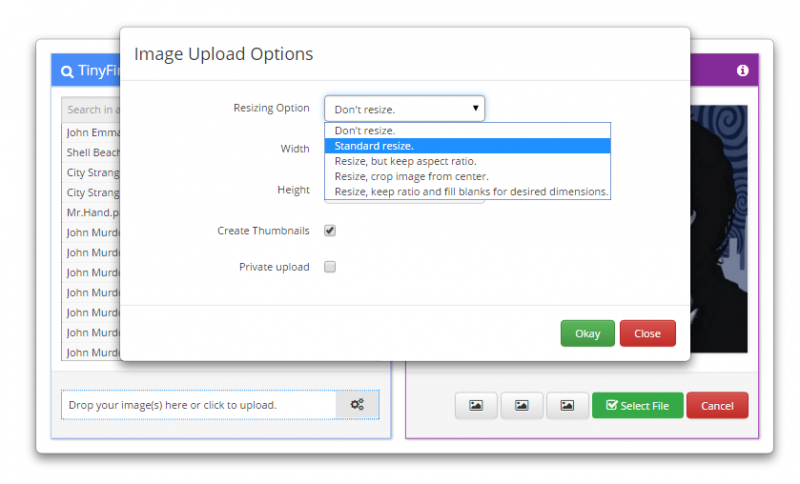
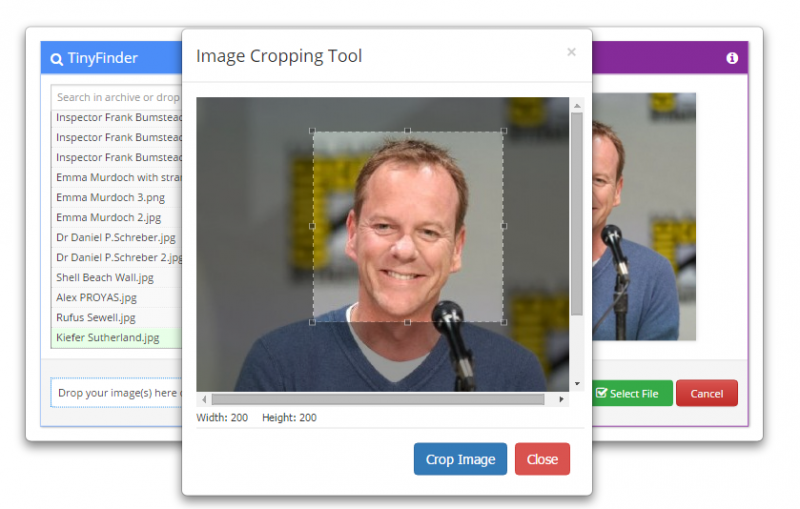
- Resizing options for image uploads
- Configurable thumbnail resolution
- Multi-language support
- Templatable
Screenshots

Releases
| Plugin versions | CKEditor versions | |||
|---|---|---|---|---|
| 4.25 | 4.24 | 4.23 | ||
|
Version: 1.1a1 |
||||
|
User better icons |
||||
Youtube bootstrap
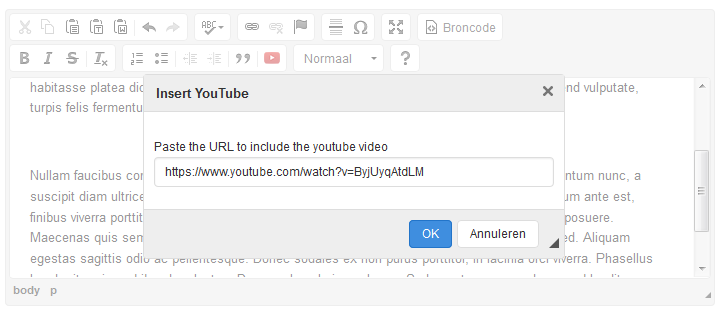
An easy plugin that allows you to enter a youtube url to embed in your editor.
This plugin also adds the bootstrap classes so the video will be responsive if used in combination with bootstrap.
Screenshots

Releases
| Plugin versions | CKEditor versions | |||
|---|---|---|---|---|
| 4.25 | 4.24 | 4.23 | ||
|
Version: 1.0 |
||||
|
First release to help implement youtube videos with bootstrap classes. |
||||
CSS Animations
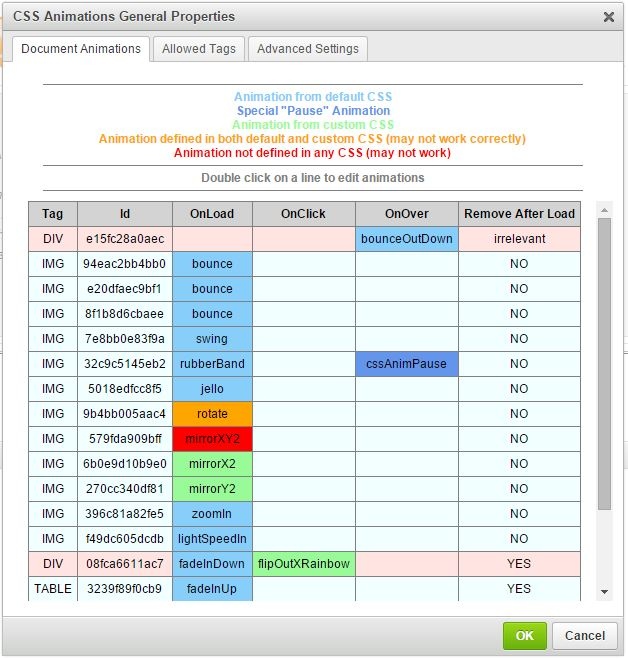
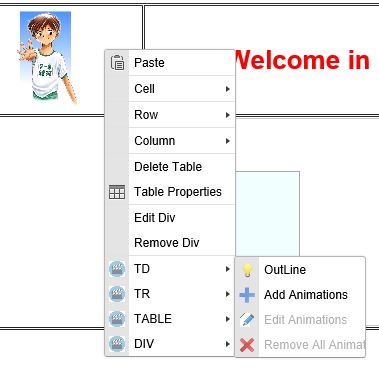
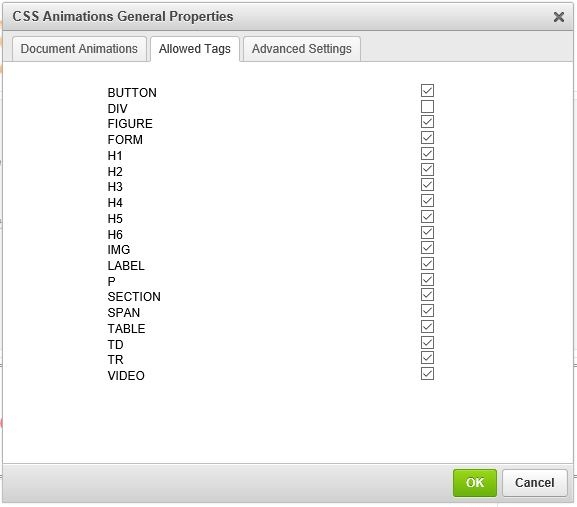
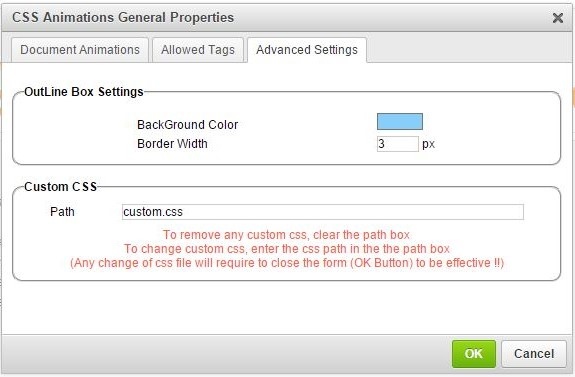
This “CKEditor” Plugin aims to ease Animations integration in your page. The goal is to allow to add/remove/Edit animations on elements on your page (“Div”, “Paragraph”, “Image”, …).
Elements on which animations can be added are based on the “html tags”.
For every tag, you can add animations who will occurs “On Load” (when the page is loaded), “On Hover” (when the mouse hover the element and “On Click” (when the element is in “active” state).
Bugs & Known IssuesThe plugin has been tested on "FireFox", "Chrome", "Edge" and "Opera".
Some animations preview are not working very well with IE.
Screenshots

Releases
| Plugin versions | CKEditor versions | |||
|---|---|---|---|---|
| 4.25 | 4.24 | 4.23 | ||
|
Version: 1.6 |
||||
|
Just did some cleaning |
||||
Font Awesome Premium
- Categories: Contents, Layout, Styling
- Author: michaeljanea
- License: Commercial
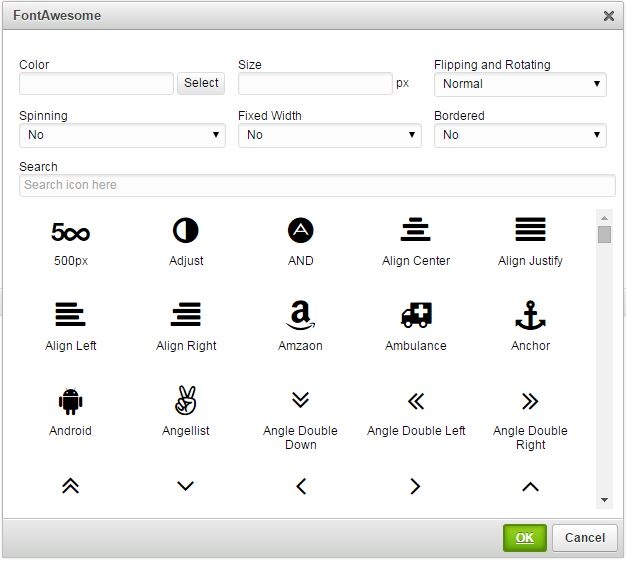
Add FontAwesome to your write-ups without editing the source code!
- Compatible with FontAwesome 4.0, 4.1, 4.2, 4.3, 4.4, 4.5, 4.6 and 4.7
- Compatible with CKEditor 4.0, 4.1, 4.2, 4.3, 4.4, and 4.5
- Available in 66 languages
- Priority Support
DEPENDENCIES:
It requires the following plugins to work: Widget, Line Utilities, and Color Dialog.
NOTE: You can send your suggestions, comments, concerns, or inquiries through mj.plugins.info@gmail.com or by filling up the contact form of my website. I'm having trouble using Disqus lol.
Screenshots

MJ Accordion Banner
- Categories: Contents, Layout, Styling
- Author: michaeljanea
- License: Commercial
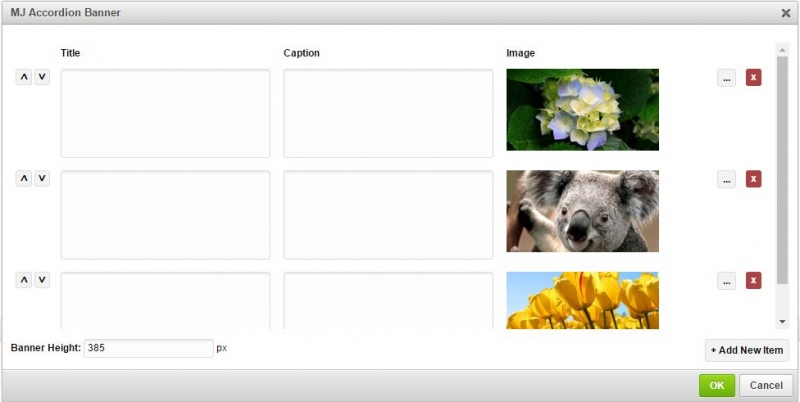
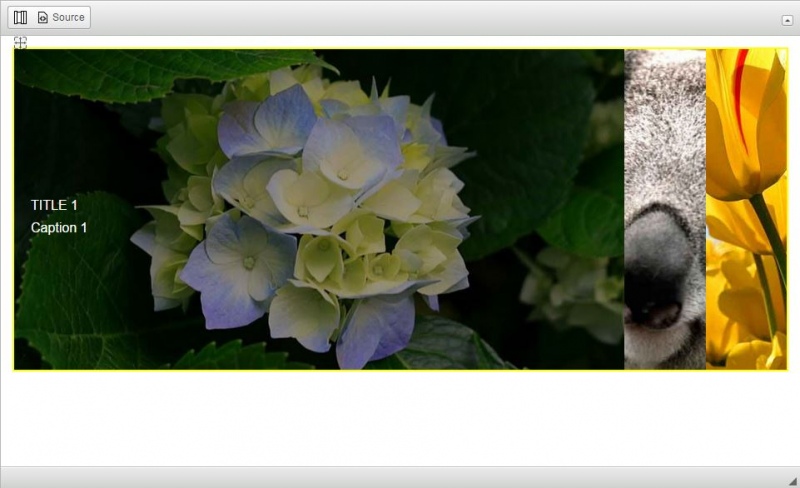
Add accordion banner to your write-ups without editing the source code!
- Available in 66 languages
- Compatible with CKFinder, KCFinder, Filemanager, and elFinder
- Manage titles and captions using popup CKEditor
DEPENDENCIES:
It requires the following plugins to work: CKFinder, Widget and Line Utilities.
NOTE: You can send your suggestions, comments, concerns, or inquiries through mj.plugins.info@gmail.com or by filling up the contact form of my website. I'm having trouble using Disqus lol.
Screenshots
Word Art
- Categories: Contents, Layout, Styling
- Author: michaeljanea
- License: Commercial
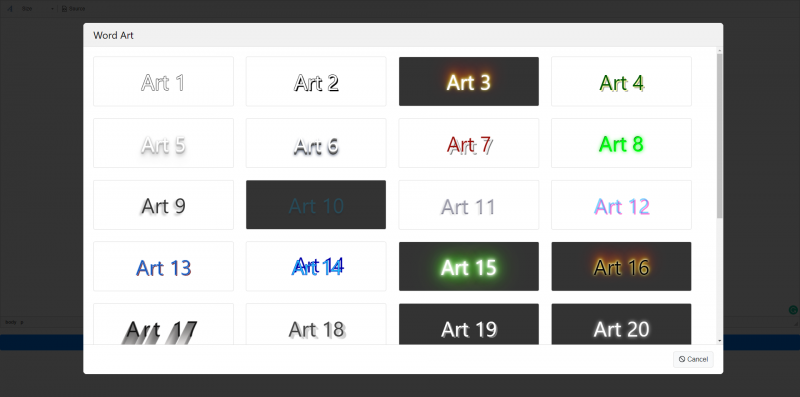
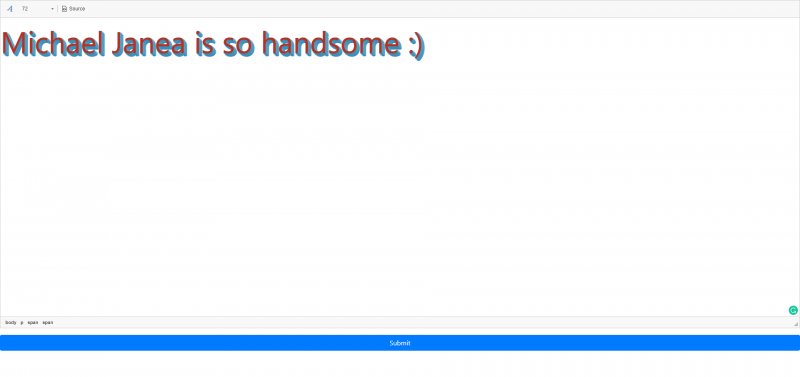
Add word arts to your write-ups without editing the source code!
- 30 style variations
- No images required
DEPENDENCIES:
No dependencies.
NOTE: You can send your suggestions, comments, concerns, or inquiries through mj.plugins.info@gmail.com or by filling up the contact form of my website. I'm having trouble using Disqus lol.
Screenshots
MJ Ribbons
- Categories: Contents, Layout, Styling
- Author: michaeljanea
- License: Commercial
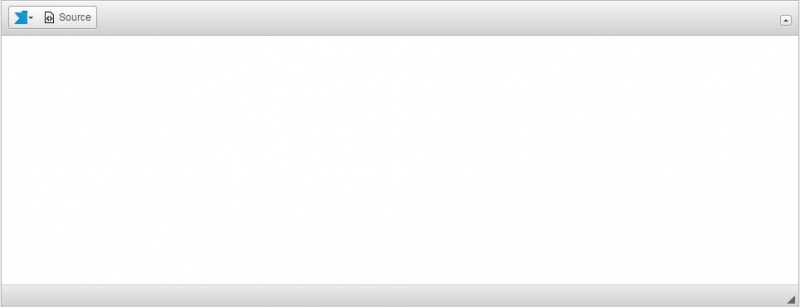
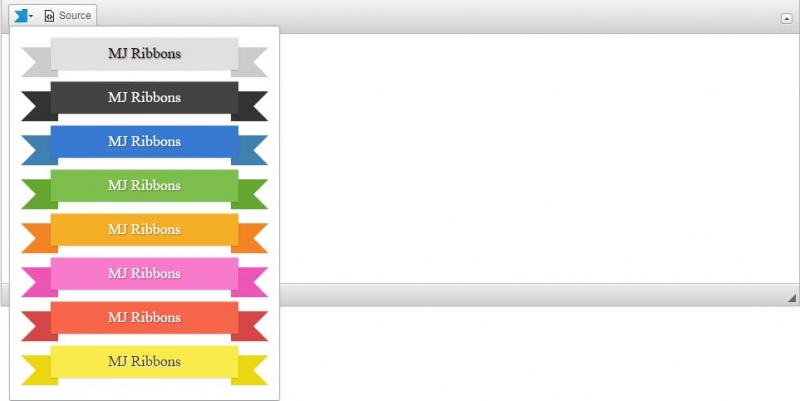
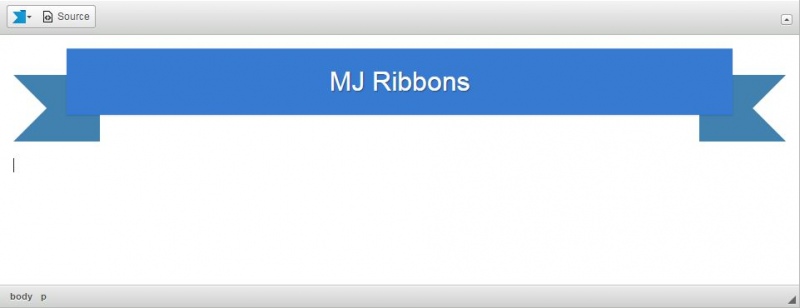
Add ribbons to your write-ups without editing the source code!
- Available in 66 languages
- 8 color variations
- No images required
DEPENDENCIES:
It requires the following plugins to work: Panel Button and Float Panel.
NOTE: You can send your suggestions, comments, concerns, or inquiries through mj.plugins.info@gmail.com or by filling up the contact form of my website. I'm having trouble using Disqus lol.
Screenshots