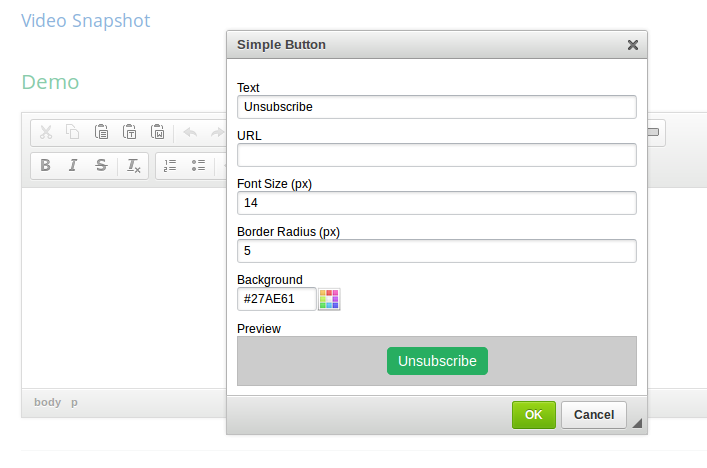
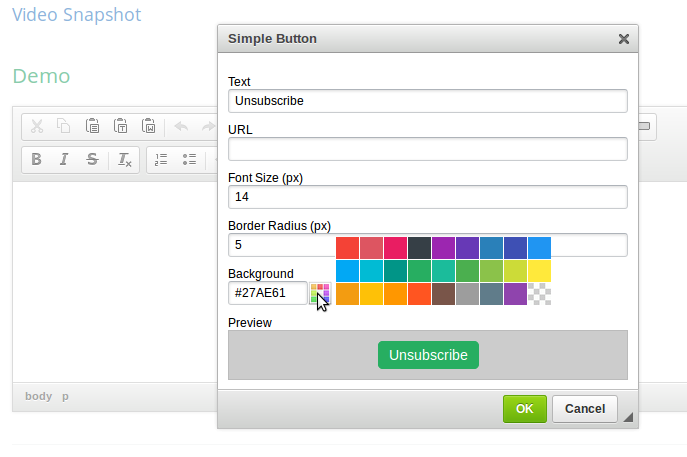
Simple Button
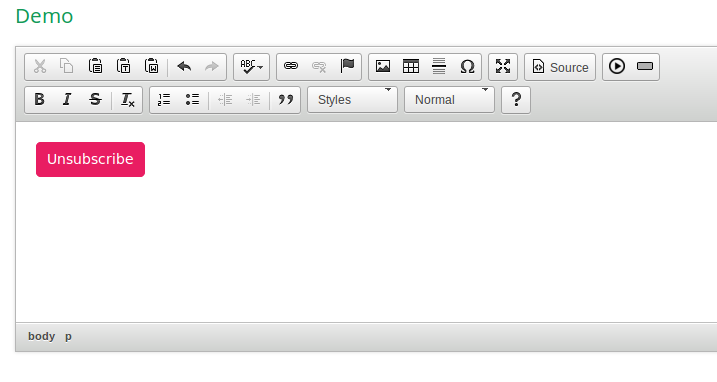
Create an HTML button that acts like a link
Add-on Installation InstructionsEnable the plugin by using the extraPlugins configuration setting
config.extraPlugins = 'simplebutton';
If you use sourcedialog plugin, you need to enable allowedContent option
config.allowedContent = true;Add item with custom toolbar
config.toolbar = [
	...
	{ name: 'other', items: ['simplebutton'] }
]
My other pluginFundingThank you for your interest in giving to this plugin. You can make a donation by clicking on the paypal button in my website.
Screenshots
Releases
| Plugin versions | CKEditor versions | |||
|---|---|---|---|---|
| 4.25 | 4.24 | 4.23 | ||
|
Version: 1.0.3 |
||||
ACDC Placeholder
This plugin creates placeholder text which has click event attached to it. Additional events can be attached to it as well which can be used to pop up new dialog or add custom login based on the business needs
it has functions attached to editor to show and hide Icons or show postion of the placeholder within the CKeditor. All that needs to do is pass a function to the editor instance
Releases
| Plugin versions | CKEditor versions | |||
|---|---|---|---|---|
| 4.25 | 4.24 | 4.23 | ||
|
Version: 1.1 |
||||
|
Removed PlaceholderIdLoader.js file |
||||
Table Tools
- Categories: Contents, Data, Tools
- Author: doksoft
- License: Commercial
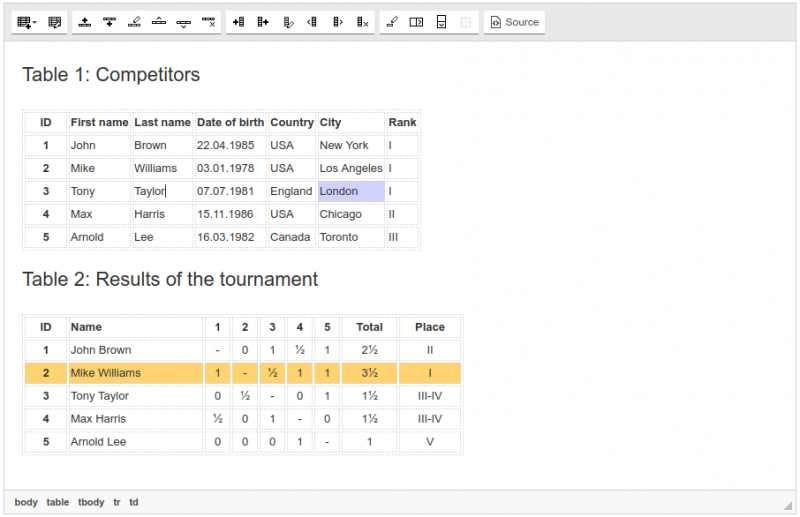
Are you tired of working with annoying tables? Rows and columns just don’t stay as you want them to? Table Tools saves the day!
Just install Table Tools and receive a full range of possibilities to build a table of any complexity effortlessly.
The plugin has its own library that allows any table transformations including creating rows and columns, swapping places, merging and splitting cells.
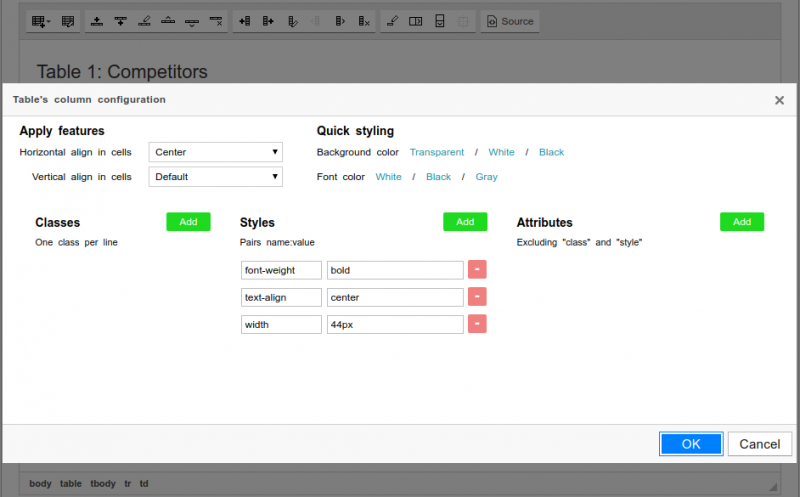
You can configure styles, classes and cell attributes and apply them to the whole table or just a specific column, row or cell.
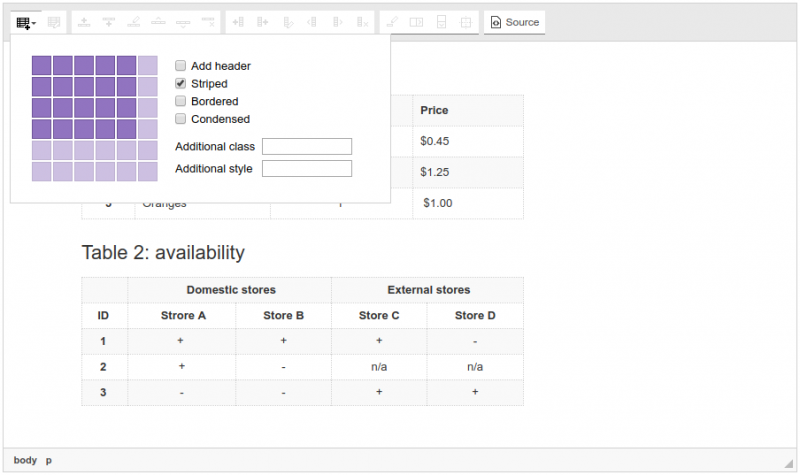
By the way, the set of plugins integrates to Foundation and Bootstrap frameworks. So you just need to select the framework and Table Tools will take into account its specifics automatically.
Screenshots
Drag and Drop Image Uploads
- Categories: Clipboard, Contents, Tools
- Author: audionautics
- License: MIT
This was supposed to be deleted, like, a year ago. Yet... still here!
Stop downloadin' it, people. It no work-y.
Releases
| Plugin versions | CKEditor versions | |||
|---|---|---|---|---|
| 4.25 | 4.24 | 4.23 | ||
|
Version: 0.1.0 |
||||
|
Release V.0.1.0 Drag and Drop uploading of Images Currently Imgur and S3 are the two upload locations supported, but, since uploading files boils down to submitting a Imgur:
AWS S3:
|
||||
Dropdown menu manager
Dropdown menu manager
This plugin adds the feature to describe with the help of the CKEditor's configuration various dropdowns and populate them with desirable items.
Configuration example
 config.dropdownmenumanager={
        'Widgets': {
          items: [{
            name: 'textWidget',
            label: 'Text Widget',
            command: 'theCommandExecutedOnClick',
            order: 1
            }],
          label: {
            text: 'Widgets',
            width: 45
          },
          iconPath:'/images/widgetIcon.png'
        },
 };
To add the dropdowns on the toolbar use the keys in the 'config.dropdownmenumanager' object , in this case: 'Widgets'
Simple toolbar:
 config.toolbar = [
    ['Widgets']
  ];
In order to show the dropdown menu's label you should not use the default CKEditor iframe functionallity.
Releases
| Plugin versions | CKEditor versions | |||
|---|---|---|---|---|
| 4.25 | 4.24 | 4.23 | ||
|
Version: 2.1.0 |
||||
Upload Image
This plugin enables support for uploading images that were dropped or pasted into the editor. See the live demo.
The upload is implemented in a non-blocking way, so while the image is being uploaded the user may continue editing the content.
This plugin can be combined with a file manager such as CKFinder to provide image storage, browser and editor capabilities.
This plugin is based on the Upload Widget plugin which allows to create more upload widgets, for example, for handling different file types.
This is an official plugin provided and supported by CKEditor developers.
You can submit bug reports directly to its GitHub issues tracker and discuss any integration issues on StackOverflow.
Releases
| Plugin versions | CKEditor versions | |||
|---|---|---|---|---|
| 4.25 | 4.24 | 4.23 | ||
|
Version: 4.25.1-lts |
||||
|
First minor release of CKEditor 4.25.1-lts |
||||
|
Version: 4.24.0-lts |
||||
|
First major release of CKEditor 4.24.0-lts |
||||
|
Version: 4.23.0-lts |
||||
|
First major release of CKEditor 4.23.0-lts |
||||
Upload Widget
This plugin implements a base class for creating non-blocking, live upload of files while the user is editing content.
See for instance the Upload Image plugin's demo. When you paste or drop an image, its preview is immediately inserted into the content allowing you to edit content while the file is being uploaded.
The plugin allows to create more upload widgets, for example for handling different file types.
This plugin can be combined with a file manager such as CKFinder to provide file storage, browser and editor capabilities.
This is an official plugin provided and supported by CKEditor developers.
You can submit bug reports directly to its GitHub issues tracker and discuss any integration issues on StackOverflow.
Releases
| Plugin versions | CKEditor versions | |||
|---|---|---|---|---|
| 4.25 | 4.24 | 4.23 | ||
|
Version: 4.25.1-lts |
||||
|
First minor release of CKEditor 4.25.1-lts |
||||
|
Version: 4.24.0-lts |
||||
|
First major release of CKEditor 4.24.0-lts |
||||
|
Version: 4.23.0-lts |
||||
|
First major release of CKEditor 4.23.0-lts |
||||
Text Shadow
- Categories: Contents, Layout, Styling
- Author: michaeljanea
- License: Commercial
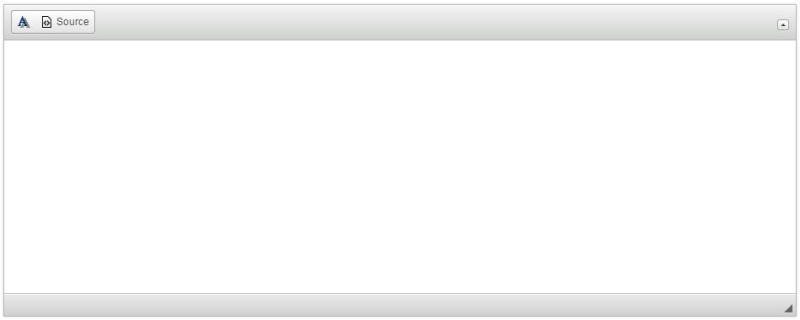
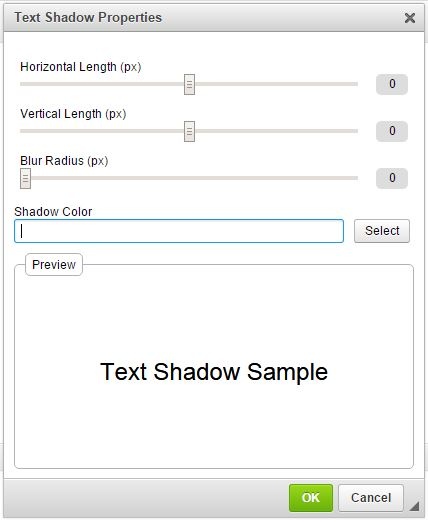
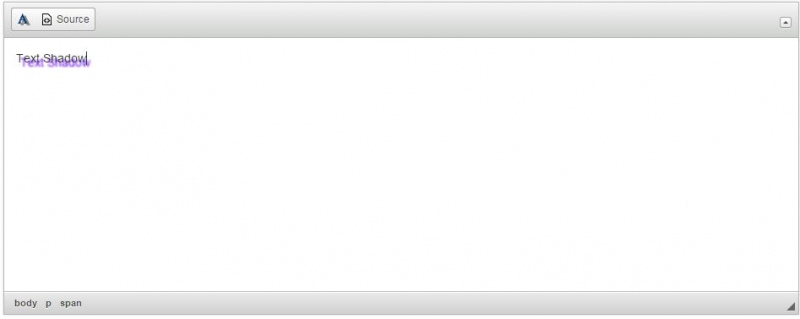
Add shadows to your texts without editing the source code!
- Available in 66 languages
DEPENDENCIES:
It requires the following plugins to work: Color Dialog.
NOTE: You can send your suggestions, comments, concerns, or inquiries through mj.plugins.info@gmail.com or by filling up the contact form of my website. I'm having trouble using Disqus lol.
Screenshots
Semantic Media Embed
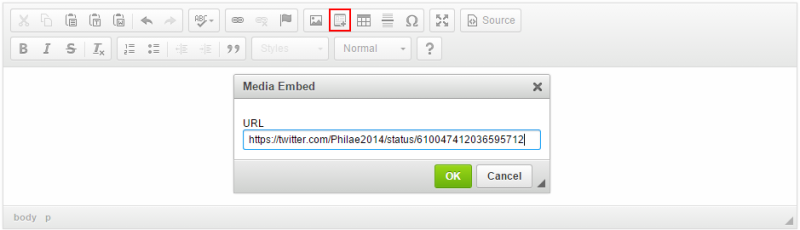
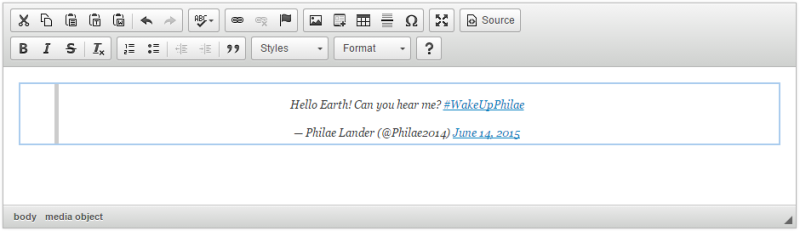
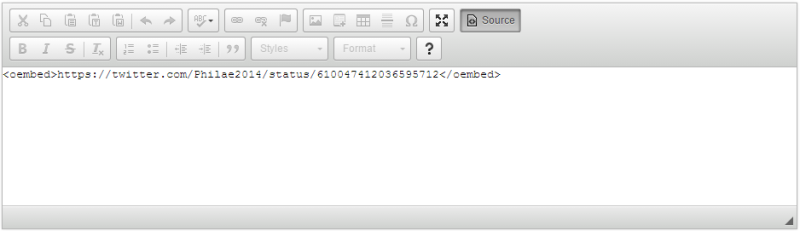
This plugin lets you embed media resources with semantic output directly in the editor.
The plugin introduces a widget that allows you to embed resources (videos, images, tweets, etc.) hosted by other services (called the "content providers") in your content. By default, the plugin uses the Iframely proxy service which supports over 1715 content providers such as YouTube, Vimeo, Twitter, Instagram, Imgur, GitHub, or Google Maps.
Note: The default configuration uses the public service provided by Iframely which has some limitations. If you want to continue using Iframely, it is recommended to create your own account and use your API key. Some services (like Google Maps) require setting up your API key, too, and adding it to your Iframely configuration.
See also the Media Embed plugin that creates embedded media resources without a semantic output, i.e. it will include the entire HTML needed to display the resource in the data, and the Auto Embed plugin that automatically turns a media resource URL pasted into the editing area into an embedded resource.
Screenshots
This is an official plugin provided and supported by CKEditor developers.
You can submit bug reports directly to its GitHub issues tracker and discuss any integration issues on StackOverflow.
Releases
| Plugin versions | CKEditor versions | |||
|---|---|---|---|---|
| 4.25 | 4.24 | 4.23 | ||
|
Version: 4.25.1-lts |
||||
|
First minor release of CKEditor 4.25.1-lts |
||||
|
Version: 4.24.0-lts |
||||
|
First major release of CKEditor 4.24.0-lts |
||||
|
Version: 4.23.0-lts |
||||
|
First major release of CKEditor 4.23.0-lts |
||||
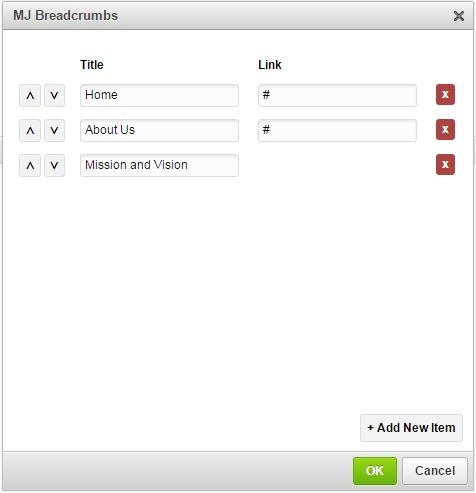
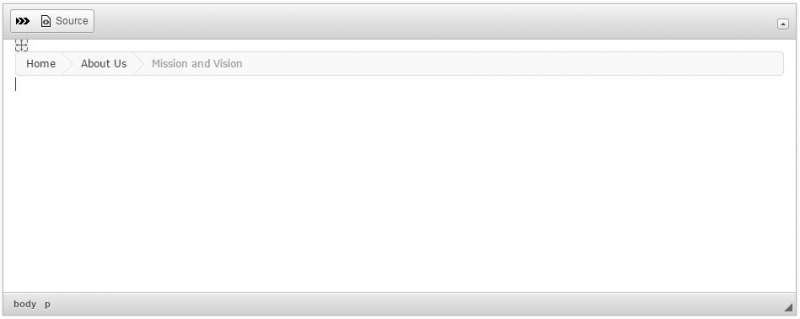
MJ Breadcrumbs
- Categories: Contents, Layout, Styling
- Author: michaeljanea
- License: Commercial
Add breadcrumbs to your write-ups without editing the source code!
- Available in 66 languages
For Bootstrap users, see: Bootstrap Breadcrumbs
For Foundation users, see: Foundation Breadcrumbs
DEPENDENCIES:
It requires the following plugins to work: Widget and Line Utilities.
NOTE: You can send your suggestions, comments, concerns, or inquiries through mj.plugins.info@gmail.com or by filling up the contact form of my website. I'm having trouble using Disqus lol.
Screenshots