What’s New in CKEditor’s Converters: Introducing Export to PDF v2 and More
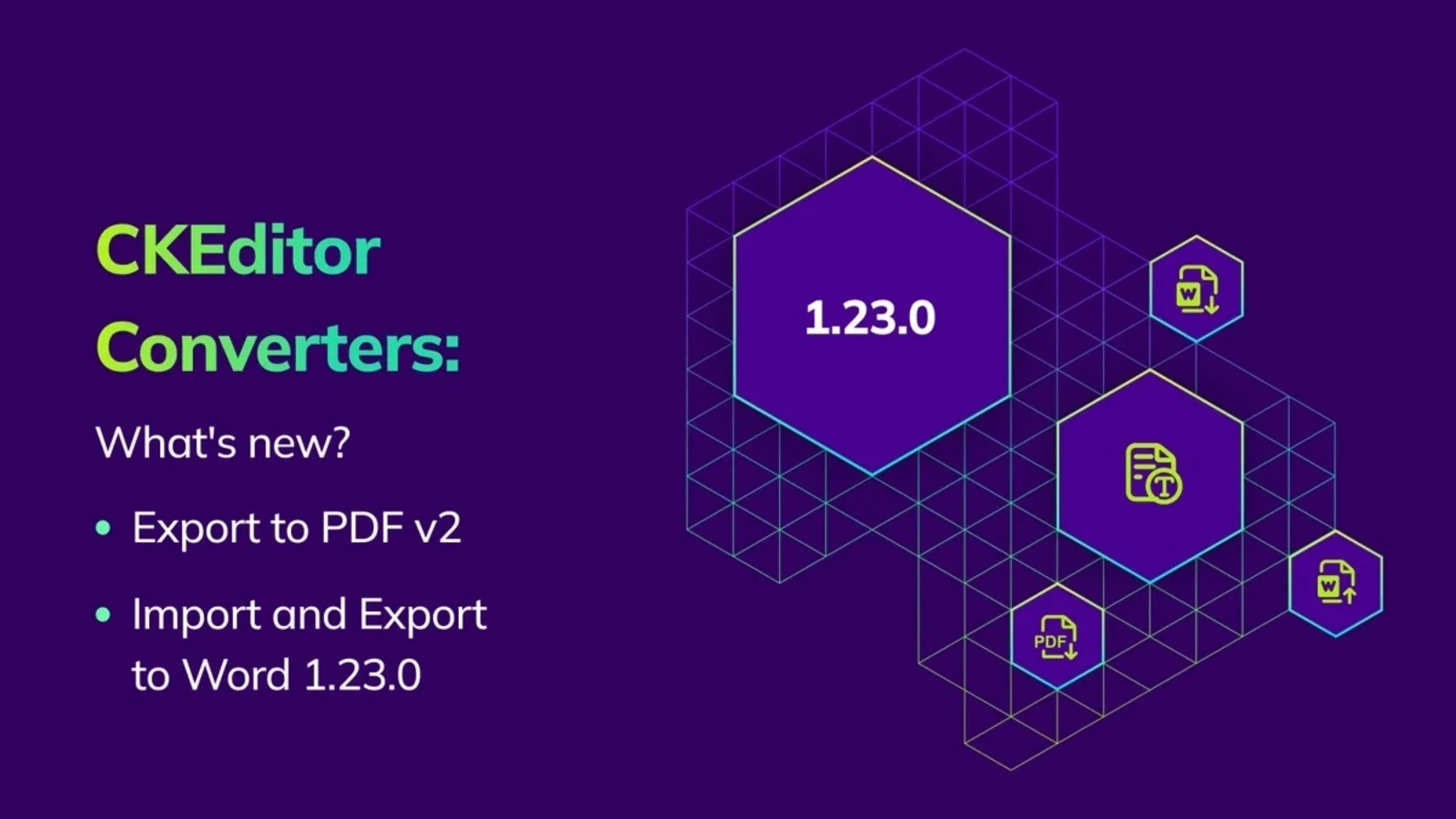
CKEditor’s Word and PDF document converters continue to evolve. Recent updates introduced a major new version of Export to PDF, expanding layout flexibility and enabling more advanced document generation workflows. Additionally, along with stability improvements, Word converters now support footnotes.
This blog post covers some recent changes to converters:
-
Export to PDF 2.0.0, which introduced v2, was released on February 12, 2026.
-
Import and Export to Word 1.23.0, which introduced support for footnotes, was released on January 15, 2025.
-
Import and Export to Word 1.22.1, 1.22.2, and 1.22.3 were released earlier, which included incremental updates and fixes.
What’s new in Export to PDF v2?
Version 2.0.0 introduced a new /v2/convert/html-pdf endpoint. For Export to PDF v2, this release brings significant feature expansions with new document layout and security features, improved payload handling, and a restructured API aligned with Export to Word v2.
Many of the features below move Export to PDF closer to feature parity with Export to Word by aligning the request payload and setup, making side-by-side configuration of both converters easier. These make both converters easier to configure side by side. Some features also add PDF-specific capabilities beyond Word’s current scope.
Flexible document layout
Export to PDF v2 gives you greater control over how documents appear both on screen and in print without requiring additional processing or manual adjustments after export.
NEW Header and footer variants
Export to PDF now supports separate header and footer variants for:
-
First page
-
Odd pages
-
Even pages
-
Default
If a specific variant isn’t defined, the default header or footer is automatically used. For example, if only even and default variants are provided, the default variant will apply to odd pages, including the first page.
This enables layouts commonly used in professionally formatted documents. A title page can display a company logo or executive summary, while subsequent pages show running headers, chapter titles, or page numbers.
Headers and footers also support images, making it possible to include brand elements, signatures, or watermark-style graphics directly in the exported document.
NEW Custom page sizes
In addition to predefined formats such as A4 or Letter, Export to PDF now allows specifying custom page dimensions using explicit width and height values.
This makes it possible to generate specialized documents such as labels, region-specific legal formats, or wide-format reports where standard page sizes are insufficient.
NEW Mirror margins
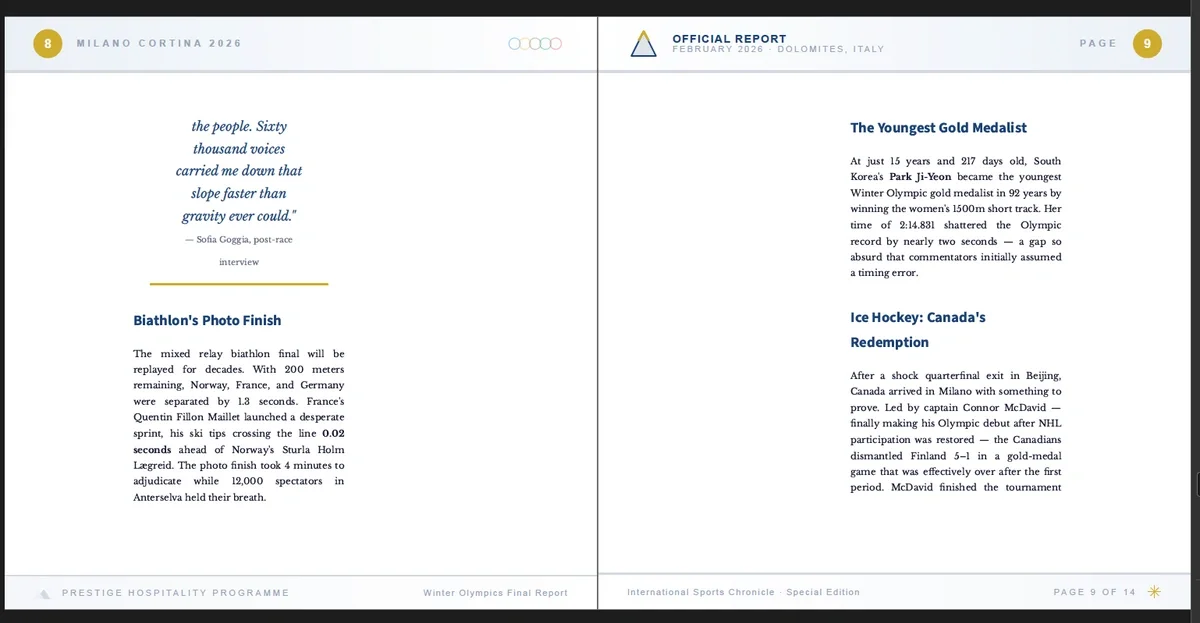
Mirror margins enable book-style layouts, where the inner and outer margins alternate between odd and even pages.
This is particularly useful for documents intended for duplex printing or binding, such as manuals, contracts, or regulatory submissions. The alternating margins ensure that content remains visually balanced after printing and binding.
Configuration options
NEW Metadata
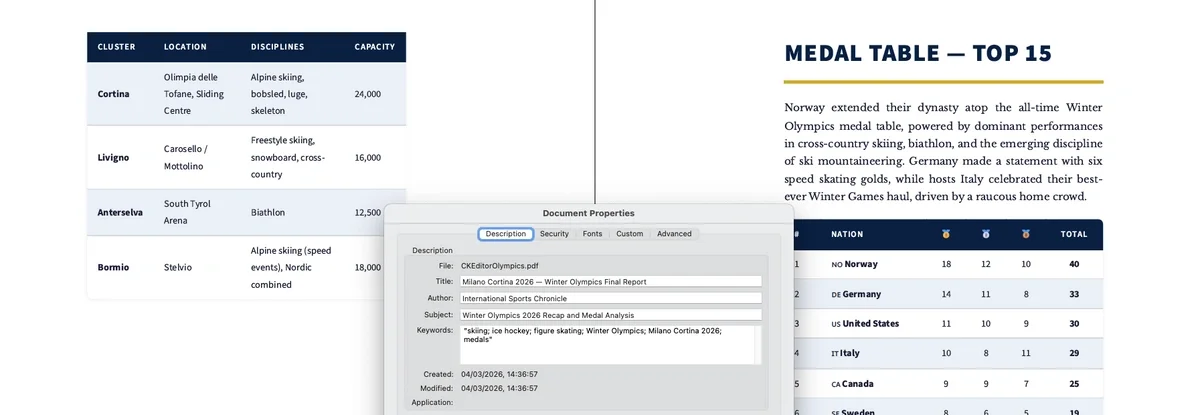
Export to PDF v2 now supports assigning metadata fields directly during export. Supported fields include title, author, subject, and keywords, as well as custom metadata fields.
Embedding metadata at generation time helps improve document searchability, traceability, and compliance workflows, particularly when PDFs are stored in document management systems or regulatory archives.
NEW Password protection and signatures
Export to PDF v2 introduces built-in support for document security and verification.
Generated PDFs can now be protected with passwords or digitally signed using PKCS#12 certificates. These features allow organizations to secure sensitive documents such as contracts, financial reports, or medical records directly during export.
If you want to see how it works, you can download an example PDF exported from CKEditor with password protection enabled. The password required to open the file is ILoveCKEditor<3.
All the security and signing options are configurable and can be automated through the API.
Significantly increased payload capacity
Previous versions of Export to PDF had practical limits on how large a document could be. For most everyday exports this wasn’t an issue, but teams generating large or content-rich documents could encounter constraints when converting particularly heavy payloads.
Export to PDF v2 addresses this by introducing stream processing as the default handling mechanism. This allows the converter to process dramatically larger payloads compared to earlier versions.
While previous versions typically handled documents in the range of tens of megabytes, benchmark testing for v2 shows payloads reaching hundreds of megabytes and beyond. This makes it possible to reliably generate large documents such as 200+ page reports, image- or table-heavy manuals, catalogs, and other complex PDFs without additional workarounds.
Compression enabled by default
PDF compression is now enabled by default to reduce output file size. This is particularly beneficial for applications generating large volumes of PDFs, helping reduce storage costs and improve download performance.
Compression can still be disabled via config.disable_compression.
What’s new in Export to Word?
NEW HTML footnotes support
Export to Word now supports converting HTML footnotes from CKEditor 5 into native Word endnotes.
This ensures that citations and references are preserved when content authored in CKEditor is exported to Microsoft Word, maintaining the expected structure for academic, legal, and regulatory documents.
NEW Support for non-HTTPS resources
The converter now allows resource requests over HTTP in addition to HTTPS. This feature is particularly useful in internal or on-premises deployments where resources such as images, stylesheets, or fonts may be served from internal servers that do not use SSL certificates.
For security reasons, it remains disabled by default. To enable this feature, the ALLOW_INSECURE_RESOURCES environment variable must be set to true.
CSS class casing
An issue where CSS class names written in camelCase were incorrectly applied during conversion has been resolved.
Styles now respect class name casing as authored, ensuring more reliable styling when your application relies on precise CSS class naming conventions to control document appearance, templates, and design systems.
What’s new in Import from Word?
NEW Footnotes and endnotes
Just like other converters, Import from Word now supports converting footnotes and endnotes from Word to HTML footnotes.
Since CKEditor 5 supports endnotes only, Word footnotes are automatically converted into endnotes during import, ensuring that references and citations remain intact between Word and CKEditor.
Together with Export to Word’s new footnote handling, this update improves the round-trip compatibility of referenced documents between the editor and Microsoft Word.
Common Improvements
Internal dependencies were updated in versions 1.22.1, 1.22.2, 1.22.3, and 1.23.0 to improve stability, performance, and security.
Quick Links
Feedback and Support
If you have specific questions or want to report an issue, please contact us.
How to get CKEditor Word Converters
-
New users can try all advanced Word converter features with our 14-day free trial.
-
Export to Word is available on Free, Essential, Professional, and Custom CKEditor plans, while Import from Word is available on Professional and Custom plans. To use converters, you must be on a subscription plan, which include conversion usage limits.
-
Converters are also available for enterprise customers or teams with custom licensing needs. Contact us to explore tailored plans.