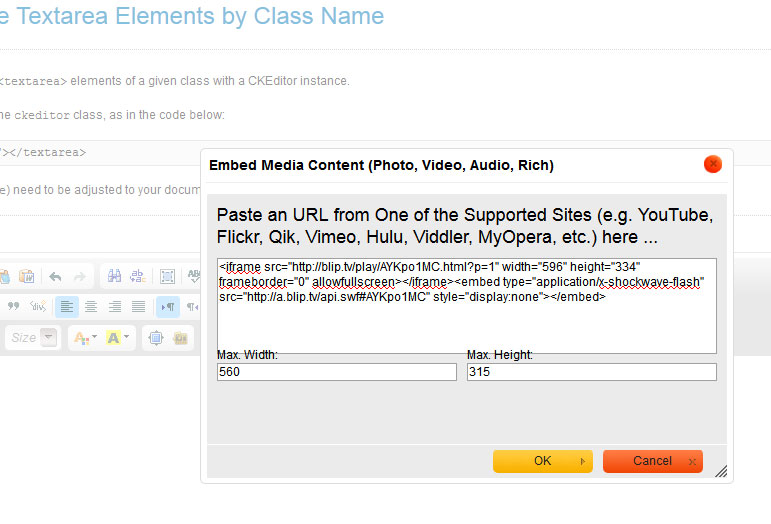
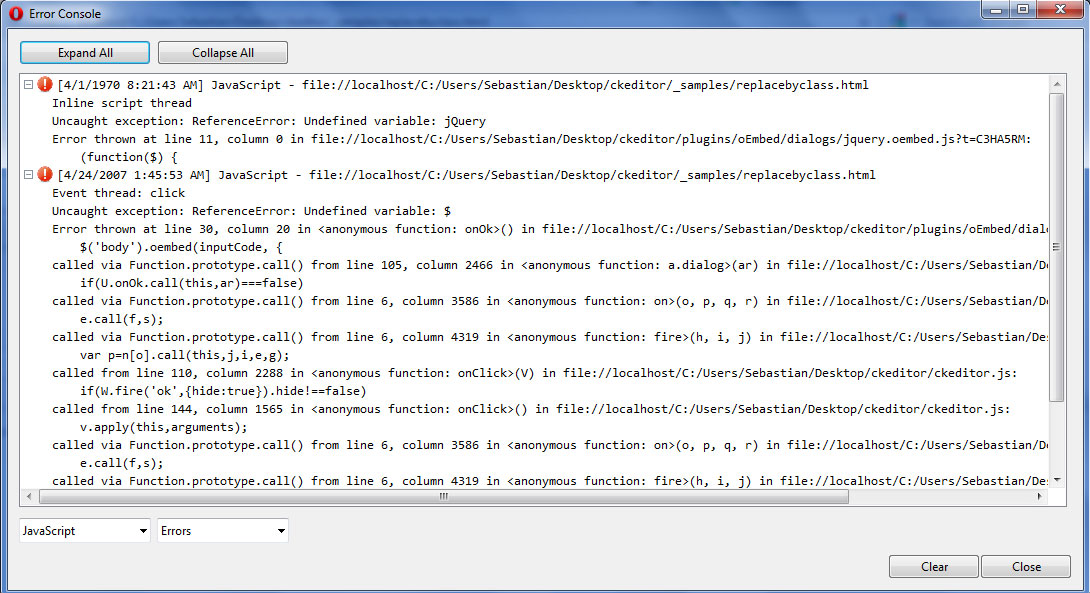
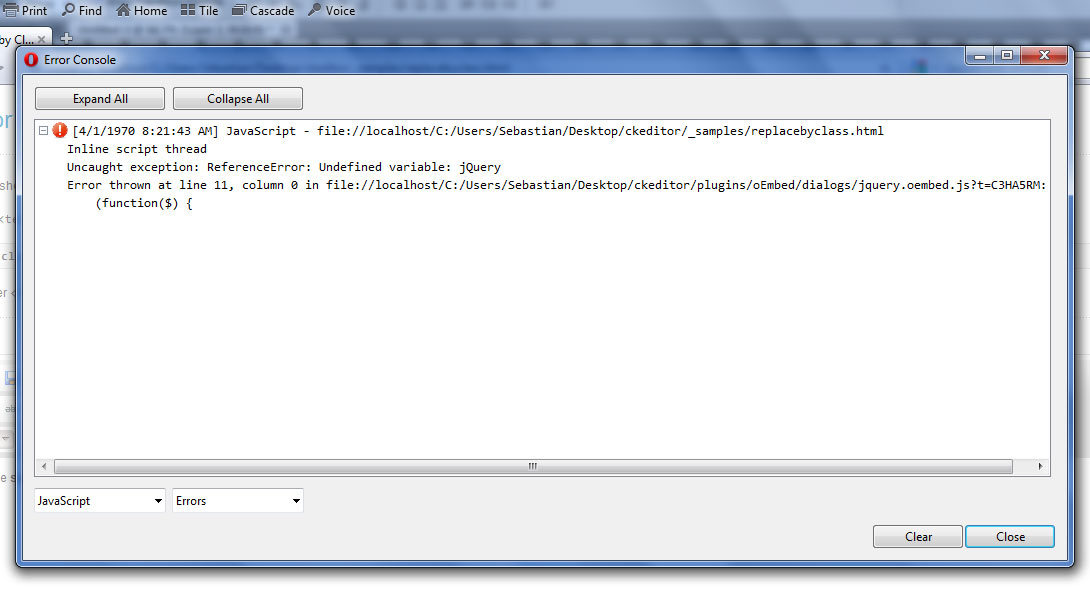
Hmmm, doesn't work. When I press "Ok" with code in the dialog nothing happens. When there's no code the dialog simply closes. It happens in all the newest browsers. I tested with Youtube, blip.tv and vimeo. Opera is kind enough to give me an error message when I click on the oEmbed icon and another when I press Ok (the other browsers simply don't do anything). Also, in FireFox the dimension text is misaligned and the code should be config.extraPlugins = 'oEmbed'; without brackets. Here's a screenshot of the Opera messages and FF dialog:
Tue, 05/15/2012 - 16:02
#1


Re: oEmbed Plugin
Customer and Community Manager, CKSource
Follow us on: Facebook, Twitter, LinkedIn
If you think you found a bug in CKEditor, read this!
Re: oEmbed Plugin
Customer and Community Manager, CKSource
Follow us on: Facebook, Twitter, LinkedIn
If you think you found a bug in CKEditor, read this!
Re: oEmbed Plugin
We have to remove comas after labels :
               }, {
                    type: 'hbox',
                    widths: ['50%', '50%'],
                    children: [{
                        type: 'text',
                        id: 'width',
                        'default': '560',
                        label: editor.lang.oEmbed.width[b],[/b]
                    }, {
                        type: 'text',
                        id: 'height',
                        'default': '315',
                        label: editor.lang.oEmbed.height[b],[/b]
                    }]
There is a bug with minWidth too.
I changed :
by
Re: oEmbed Plugin
3. In the same CKEditor configuration file (config.js) add the 'oEmbed' in the toolbar, similar to the following example:
{ name: 'insert', items : [ 'Image','oEmbed','Youtube','Video','Flash','Table','HorizontalRule','Smiley','SpecialChar','PageBreak' ] },After following the directions and loading jquery on the editor page, this plugin menu loads and when entering a YouTube url and clicking OK, the box closes but there is no code updated in the editor. I'm using Chrome version 20x. I hope these notes are helpful in resolving this problem and making this plugin work with the major browsers.
Re: oEmbed Plugin
Result:please clarify3.6.3
Re: oEmbed Plugin
consoleoEmbedDialog.js32
Re: oEmbed Plugin
Re: oEmbed Plugin
Re: oEmbed Plugin
Description
Video
Audio
Photo
Rich
Screenshots
License
Download
oEmbed_CKEditor3.zip
oEmbed_CKEditor4.zip
Installation
Attachments:
Re: oEmbed Plugin
Customer and Community Manager, CKSource
Follow us on: Facebook, Twitter, LinkedIn
If you think you found a bug in CKEditor, read this!
Re: oEmbed Plugin
https://github.com/starfishmod/jquery-o ... .oembed.js
Attachments:
Re: oEmbed Plugin
error: settings.onError.call(container, externalUrl, embedProvider)
and it works on IE
Why ?
Re: oEmbed Plugin
Well if it works with that code i re-add that code.
Re: oEmbed Plugin
http://www.youtube.com/watch?feature=pl ... tXtSGRV0xc
Re: oEmbed Plugin
https://github.com/w8tcha/CKEditor-oEmbed-Plugin
Re: oEmbed Plugin
https://github.com/w8tcha/CKEditor-oEmbed-Plugin/issues/1
CKEditor 4.1 OEmbed fix
The current version (4.0) of the OEmbed plugin is not compatible with CKEditor 4.1, thwors an error of Uncaught TypeError: Cannot read property 'isBlock' of undefined. The fix is really easy. In the ombed plugin directory find the plugin.js and change the following rows
to
editorInstance.insertHtml(editor.config.oembed_Wrapper != null ? $('<div>').append($(editor.config.oembed_Wrapper).append(e.code)).html() : e.code);From now on instead of specifying a wrapper class like
specify any wrapping tag with additional attributes and/or styles, like
And that's all.