
Human-in-the-loop AI editing: 3 patterns (suggestions, drafts, locks)
Human-in-the-loop AI for editing: compare suggestions, drafts and locks, with CKEditor 5 configuration.
WEBINAR:
Less time, fewer tokens, better effects
The official CKEditor support for AI coding agents
This major release brings Shadow DOM support, a refreshed theme built on design tokens, a unified AI experience, Trusted Types support, and simpler error handling.
Read more
Human-in-the-loop AI editing: 3 patterns (suggestions, drafts, locks)
Human-in-the-loop AI for editing: compare suggestions, drafts and locks, with CKEditor 5 configuration.
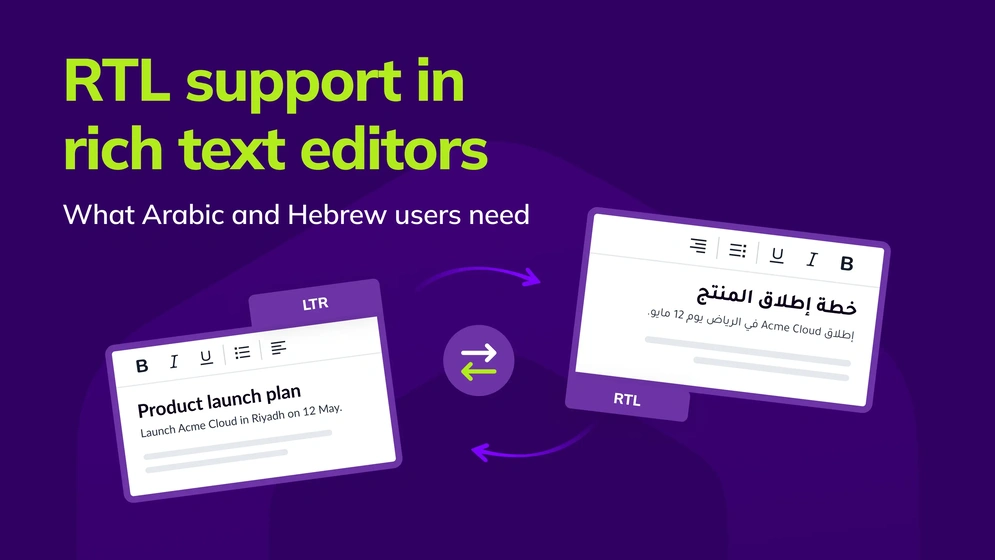
RTL support in rich text editors: what Arabic and Hebrew users need, and how CKEditor 5 delivers it
RTL support covers the UI, the content and every mixed-language passage. See what Arabic and Hebrew users need and test it in CKEditor 5’s live demo.
AI data security and governance: what actually happens to your content when AI edits it
AI data security and governance for embedded editors: follow one AI edit through every hop and see who receives your content, where and for how long.
The global editing readiness checklist: what to test in your editor before you ship to RTL and CJK markets
Test your embedded editor for RTL, CJK input, complex scripts, paste, accessibility, and browser/device combinations.
CKEditor 5 v48.5.1 and LTS v47.7.4 Release Highlights: Security Fixes
Two XSS vulnerabilities are now resolved in v48.5.1 and LTS Edition v47.7.4. Updating highly recommended.
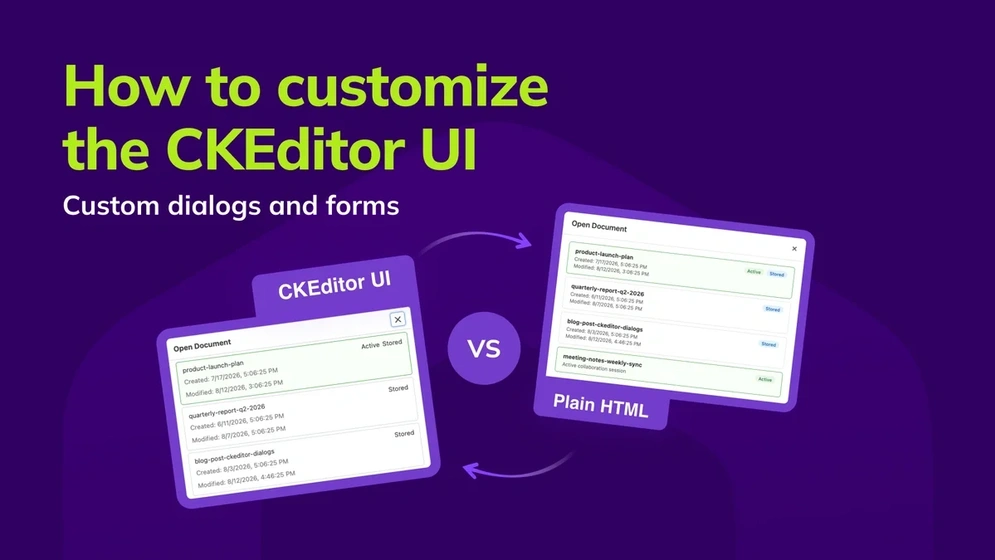
How to customize the CKEditor UI: custom dialogs and forms
Build custom dialogs in CKEditor 5 using HTML injection or the built-in Dialog plugin. Compare both approaches with a document management form example.
CKEditor 5 v48.4.0 Release Highlights: AI Context Library and Image Understanding
CKEditor AI now works from your own prompts and files, fits what your editor is set up to do, and understands the images in your document. Table editing and formatting around widgets are also improved.
SPA vs MPA: Why We Are Reemphasizing Server-Side Frameworks
First-hand lessons from integrating CKEditor 5 into Rails, Phoenix LiveView, Livewire, and Blazor. Why MPA architectures are winning for enterprise teams.
CKEditor 5 v48.3.0 Release Highlights: Programmatic API for CKEditor AI
Run CKEditor AI from your own code, mark AI-generated edits in track changes, and use stable multi-root AI support in CKEditor 5 v48.3.0.
The Prototype Trap: Shipping AI-written Code Before It’s Ready
Fast AI prototypes are slipping into production. Learn why vibe coding creates risk—and how leaders can stop the prototype trap.
LLM Model Fallback Is a Product Strategy
When Anthropic’s Fable 5 went offline with no warning, products on a single LLM broke. Why model fallback and provider abstraction is product strategy.
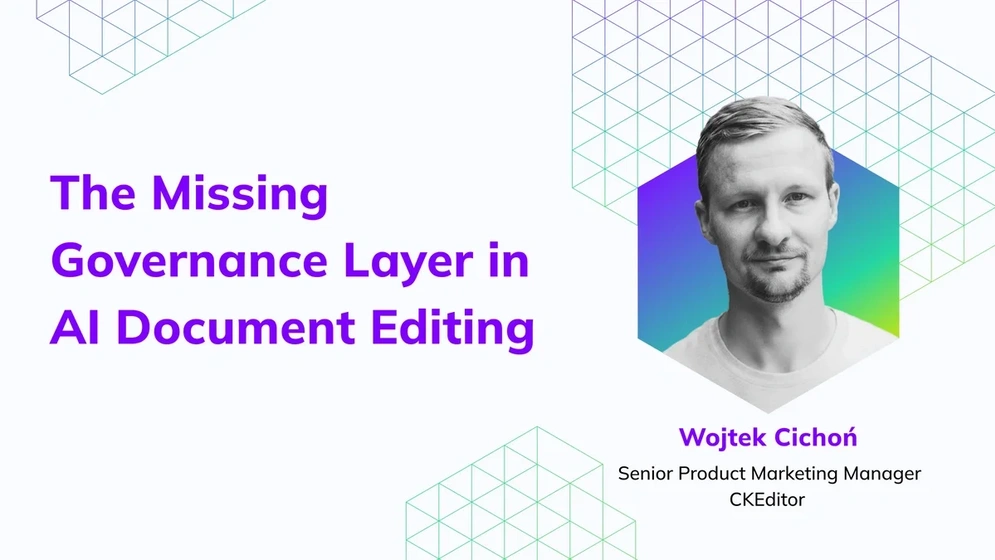
The Missing Governance Layer in AI Document Editing
Frontier AI models corrupt around 25% of content in long edits. See how an enterprise AI governance layer makes every AI change reviewable.
CKEditor Expands Public Sector Access Through Carahsoft Partnership
CKEditor and Carahsoft’s partnership helps public sector teams access secure, accessible rich text editing built for modern content workflows, collaboration, and AI-enabled applications.
CKEditor 5 v48.2.0 Release Highlights: AI Chat Improvements, Media Embed, and More
CKEditor 5 v48.2.0 brings General HTML Support for CKEditor AI, AI Chat improvements, media embed resizing and alignment, and skip-level list support.
AI Is Already on Your Roadmap. Now How Do You Govern It?
AI is on your roadmap, but ownership, governance, security, and maintenance are often unplanned. Here’s what IT leaders need to account for.
CKBox Version 2.12 and 2.13: Refreshed UI, File Versioning and more
Discover CKBox 2.12 and 2.13 with a refreshed UI, file versioning, asset overwrite, and PDF thumbnails for faster, more reliable asset management.
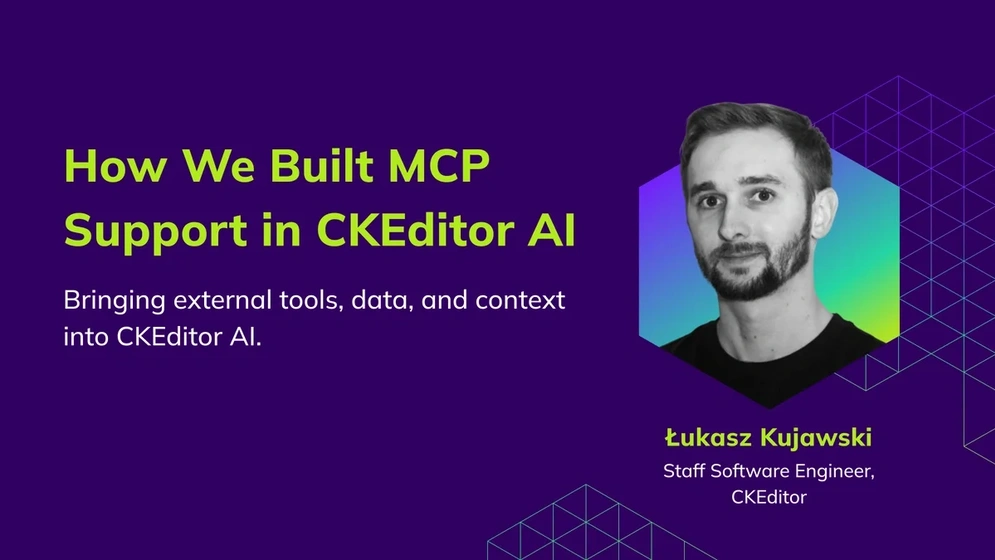
How We Built MCP Support in CKEditor AI
Learn how CKEditor AI brought MCP into a real SaaS environment, turning external tools and customer data into secure, scalable agent capabilities.
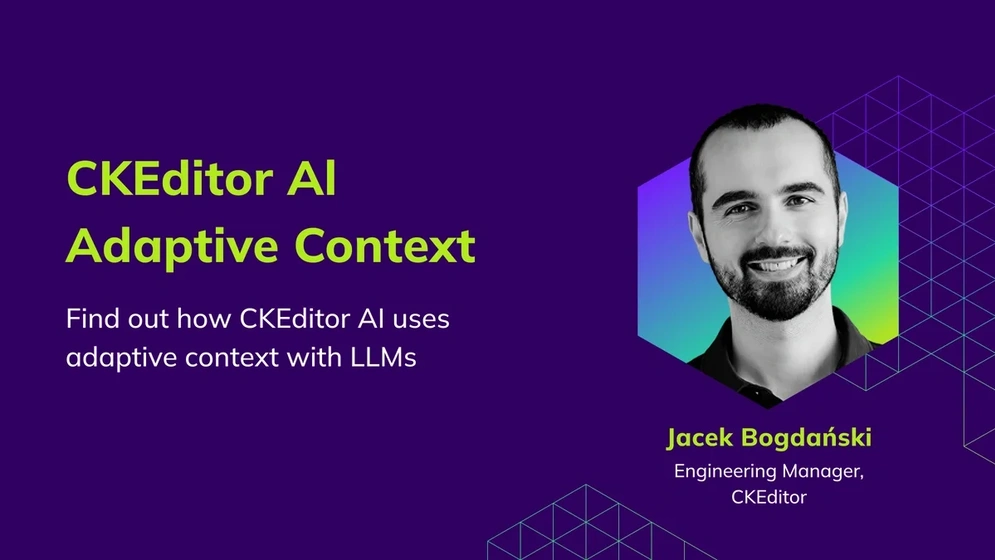
How Adaptive Context Works in CKEditor AI
See how CKEditor AI uses adaptive context to send the LLM only what each request needs - cutting token cost and latency on large documents.
CKEditor Is Now HIPAA-aligned for Healthcare Workflows
CKEditor is now HIPAA-aligned, adding healthcare-grade controls on top of SOC 2 Type II. See what’s in scope, who benefits, and how it cuts vendor risk.
Are Your AI Tools Quietly Draining Your Productivity?
Fragmented AI tools are costing enterprise teams more than they realise. Learn how tool sprawl creates governance risk, inconsistent outputs, and poor AI ROI.
Accessible Images in Practice: Writing, Generating, and Managing Alternative Text in CKEditor
Learn how to write effective alternative text for images — and let CKEditor AI generate it for you. Covers WCAG guidelines, context-based best practices, and how to handle decorative, complex, and linked images.
CKEditor 5 v48.1.0 Release Highlights: CKEditor AI Chat Improvements and AI in Multi-root Setups
The release brings AI Chat improvements and experimental AI support for multi-root and multiple editor setups, along with several fixes and improvements.
No entries